01 — Getting started
Load the script.
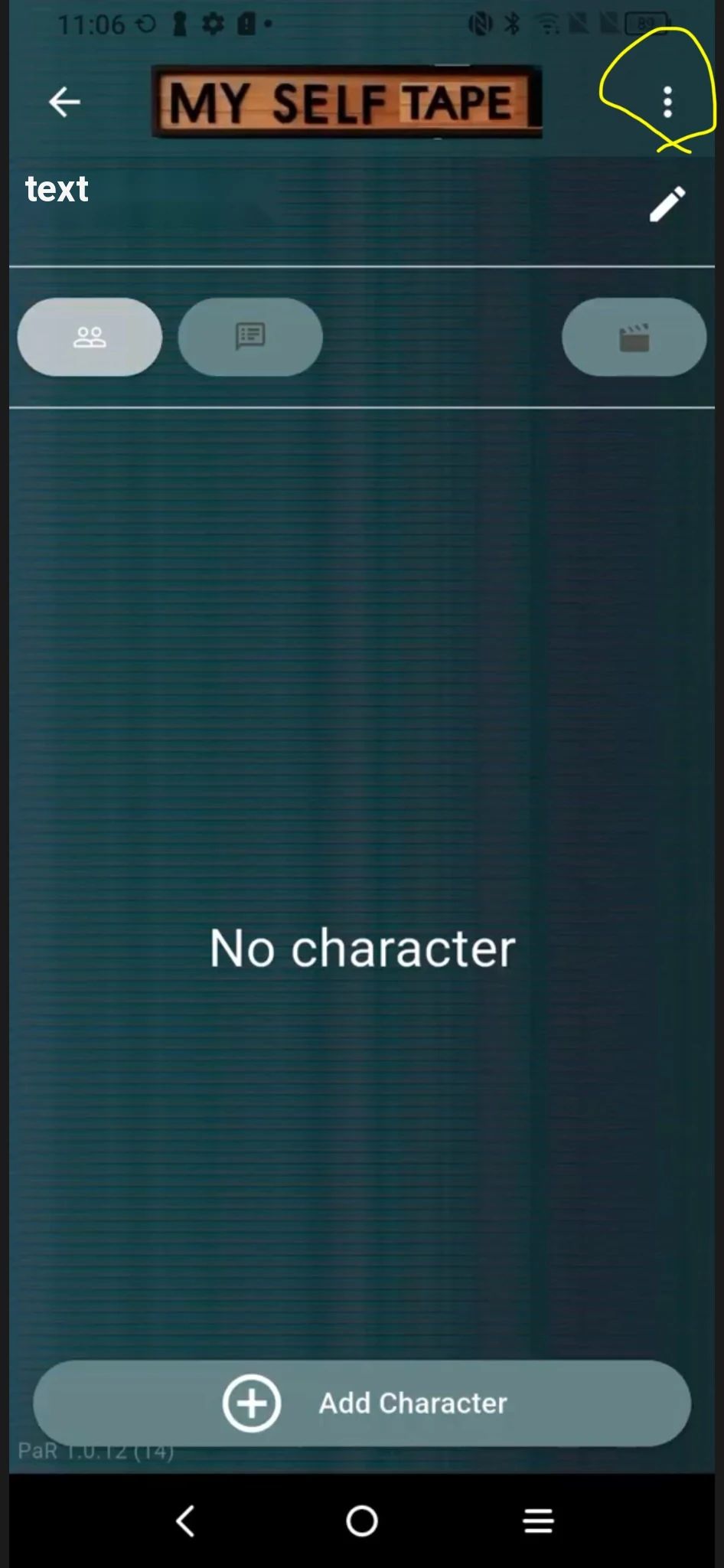
After creating the project and saving the title, tap the three dots in the top-right corner. The loading page opens: find the scene text in the folder where you saved it.
MySelfTape gives you a virtual scene partner you can choose, shape and direct around your performance. Rehearse whenever you want. Tape when you are ready.
A self-tape does not wait for someone else’s schedule. MySelfTape removes one dependency from your preparation: finding someone available at the right time, with the right rhythm, in the right language.
This is where MySelfTape becomes more than another app with a voice. You can shape how your scene partner feeds the scene back to you and how much space it leaves for your performance.
These are not just settings. They are tools for shaping the response you need in the scene.
Scripts loaded into MySelfTape remain in local phone storage: they are not sent to or stored on MySelfTape servers. Your audition material stays on your device, a concrete advantage when working with confidential or NDA-protected sides.
MySelfTape does not keep your script content outside your device.
No isolated details: each stage shows the complete app interface so you can immediately recognize the control you need and where you are in the workflow.
After creating the project and saving the title, tap the three dots in the top-right corner. The loading page opens: find the scene text in the folder where you saved it.
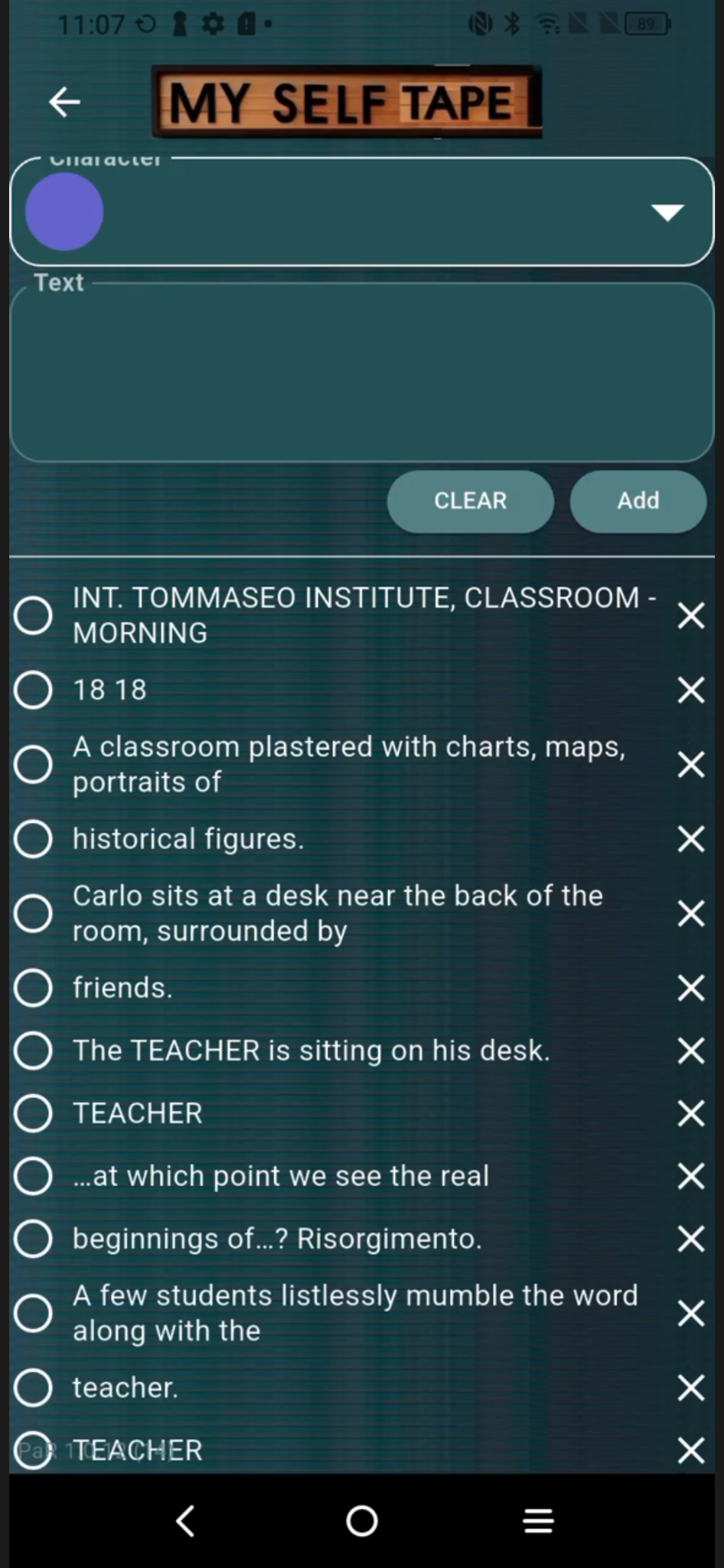
Select the character name, then the matching line. Repeat until every character and every line in the scene has been built.
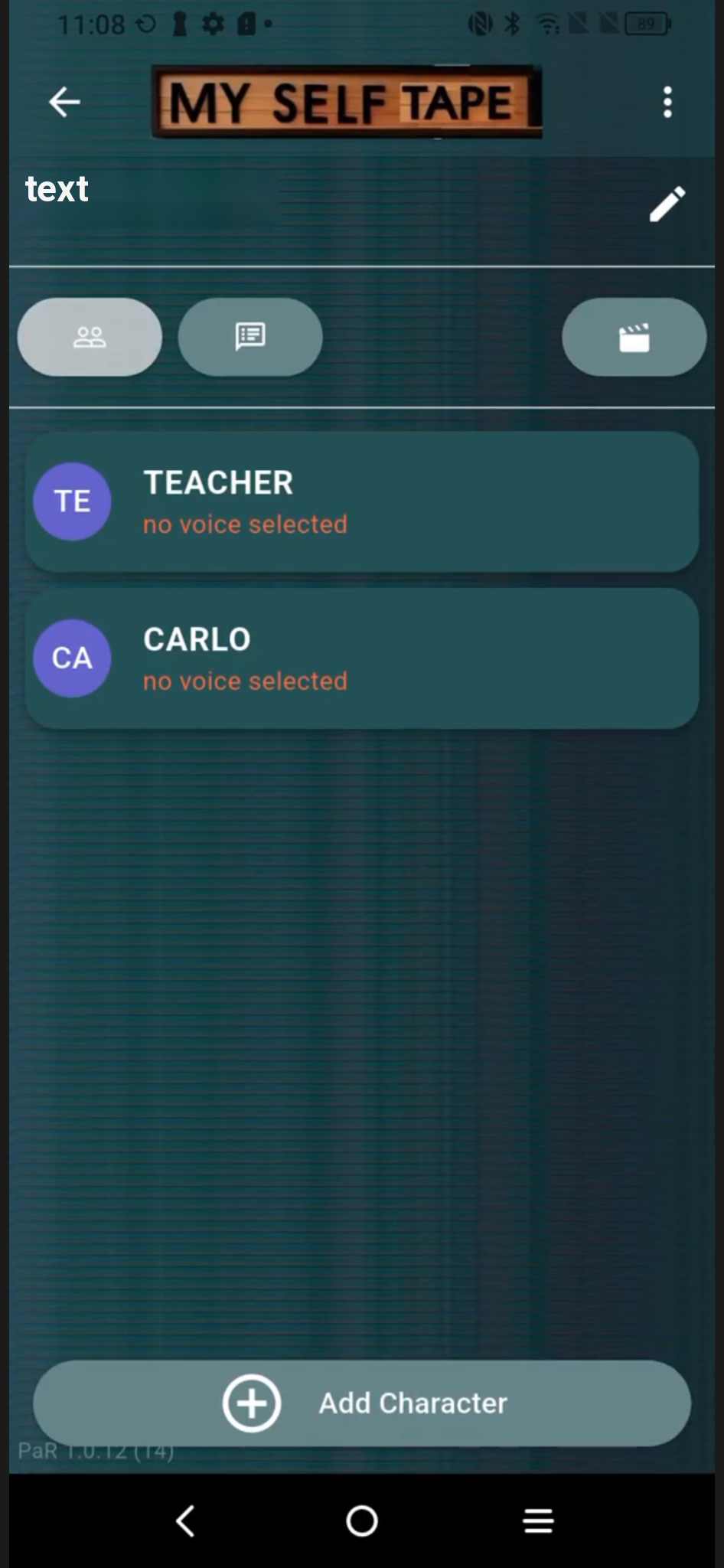
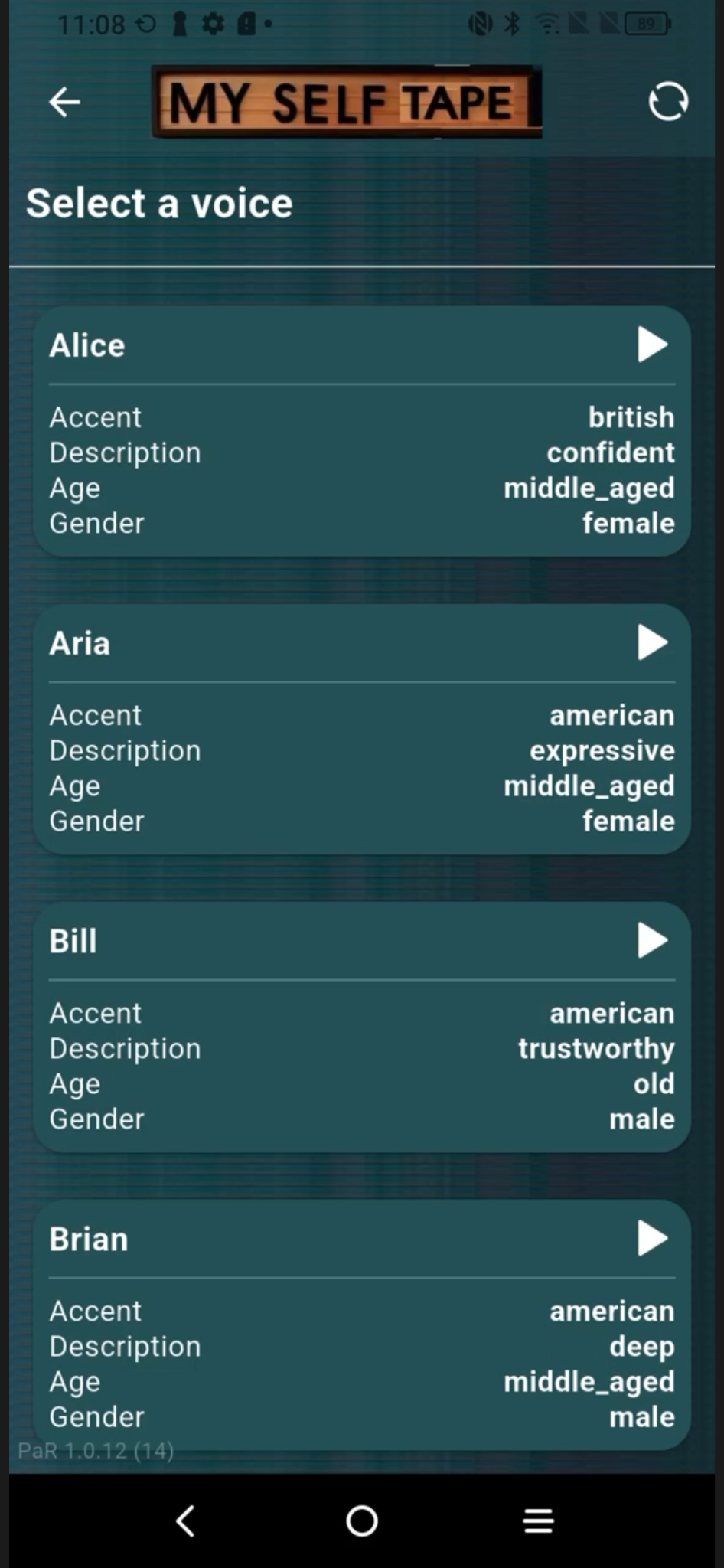
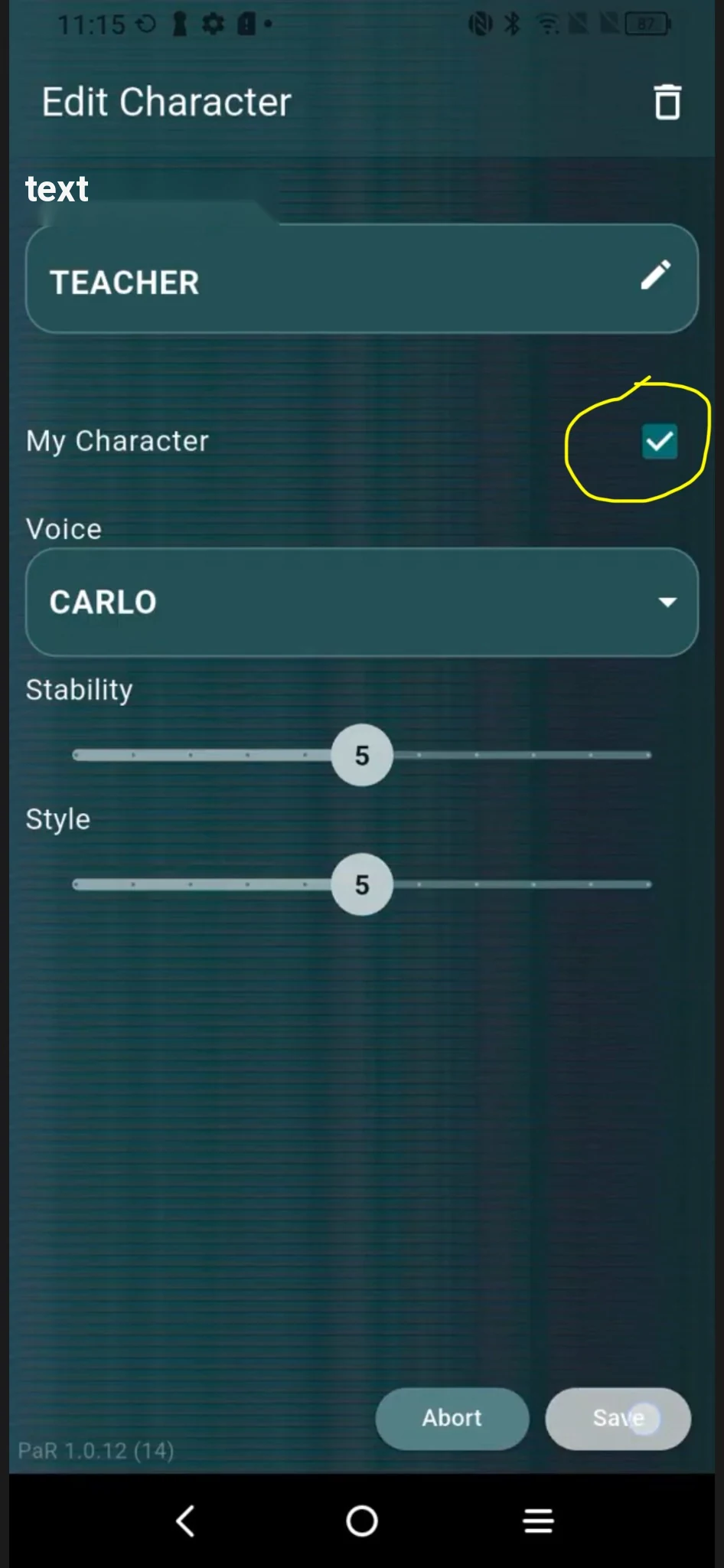
Open each character, enter voice selection, preview the options and assign the voice that best supports the tone you need for the scene.
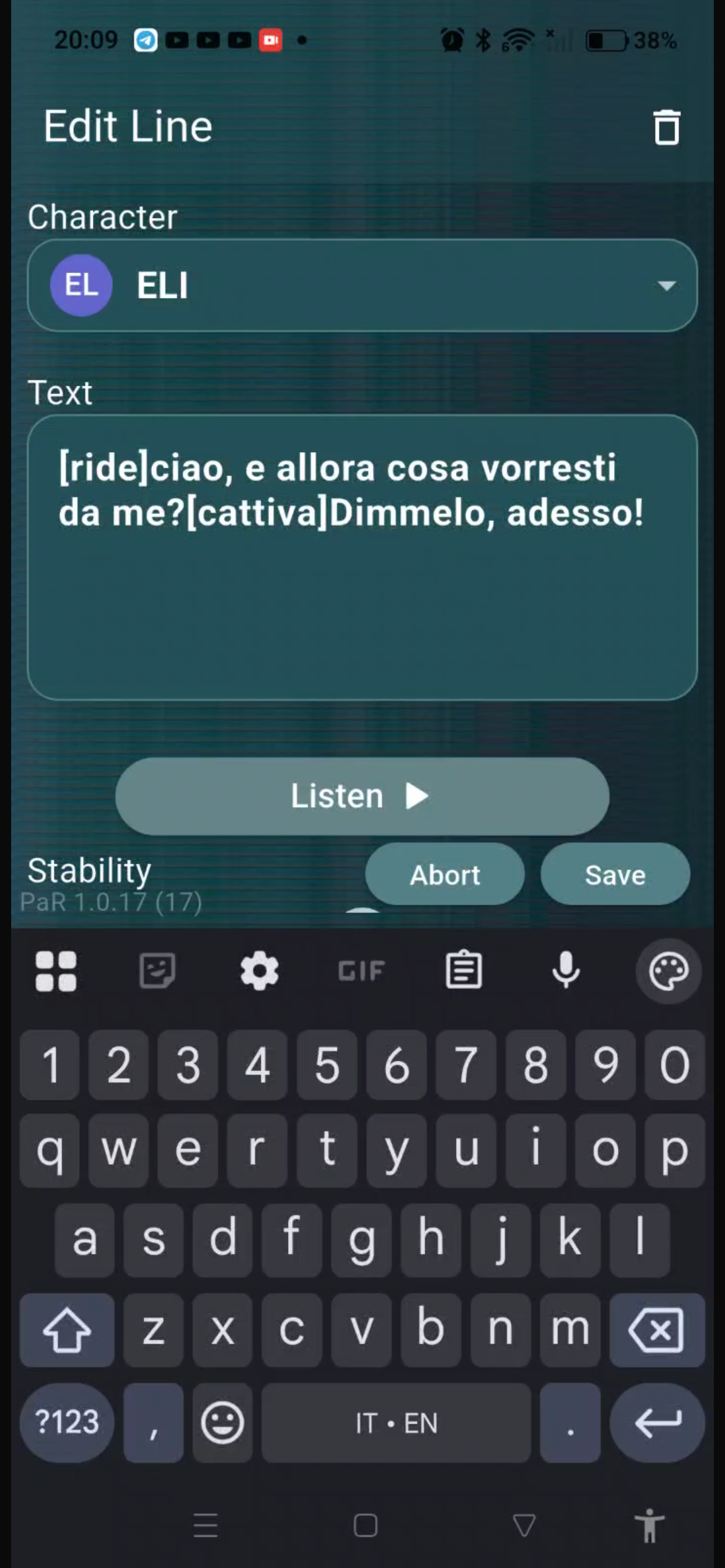
Open a line and add the emotion or intention you want the voice to convey in round brackets (parentheses), using the direction in the script as your reference. You can place it at the beginning of the line or partway through, before the sentence whose intention you want to change, even within the same line.
For example, write “(laughing)” at the beginning to ask for the line to be delivered with laughter. To change intention within a line, you could write: “(laughing) I can't believe it. (subtly suspicious) Wait, how did you know?”.
Listen to the result and make the description more precise if the emotion is not what you intended. If “(suspicious)” sounds more aggressive than you want, try “(subtly suspicious)”. You can refine other emotions in the same way, keeping the intention in the script as your reference.
If the result still does not convey the intention you are looking for, try fine-tuning it with the Style and Stability sliders. Listen again and adjust the settings until the response supports the performance you want to build.
After each change, the Generate button highlights the number of credits needed to process the line with the new settings. Check the displayed cost before pressing Generate: each new generation of the line consumes credits.
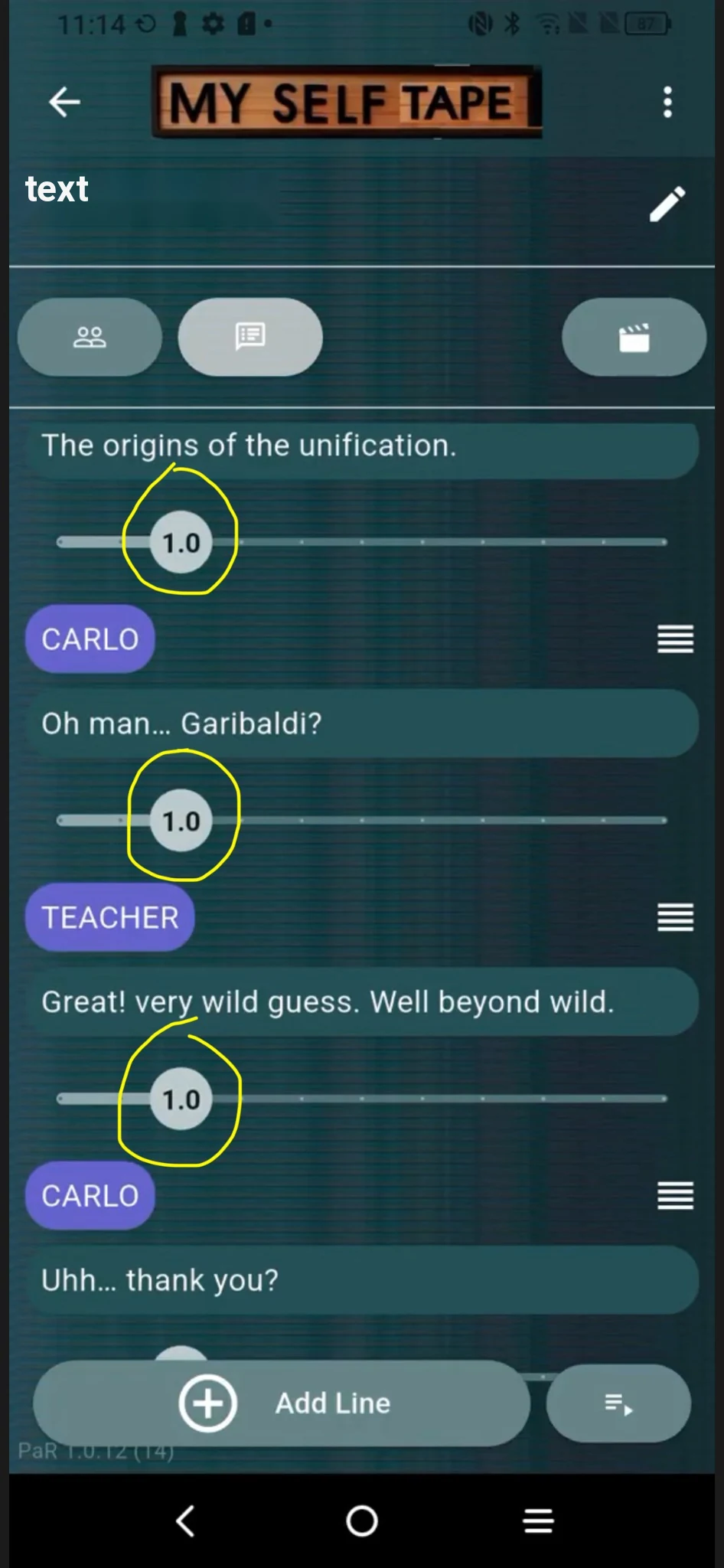
Adjust the pauses between lines whenever you need time for a thought, a physical action or simply a more believable scene rhythm.
Play the full scene and use it to memorize rhythm, cues and relationships between lines. You can repeat this stage as many times as you want.
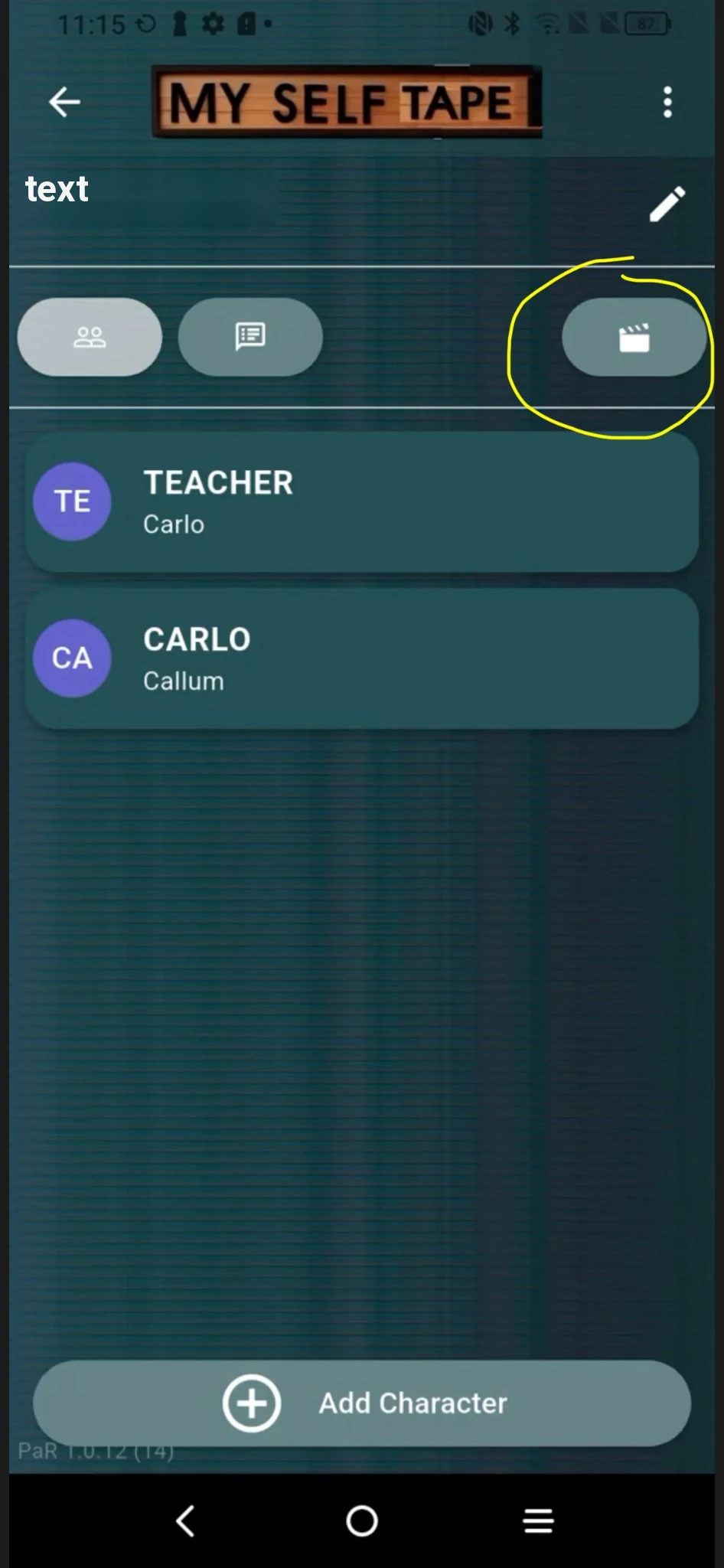
Select your character. During rehearsal and recording you hear the other characters while your own lines stay with you. Your virtual reader is now ready to work around your performance.
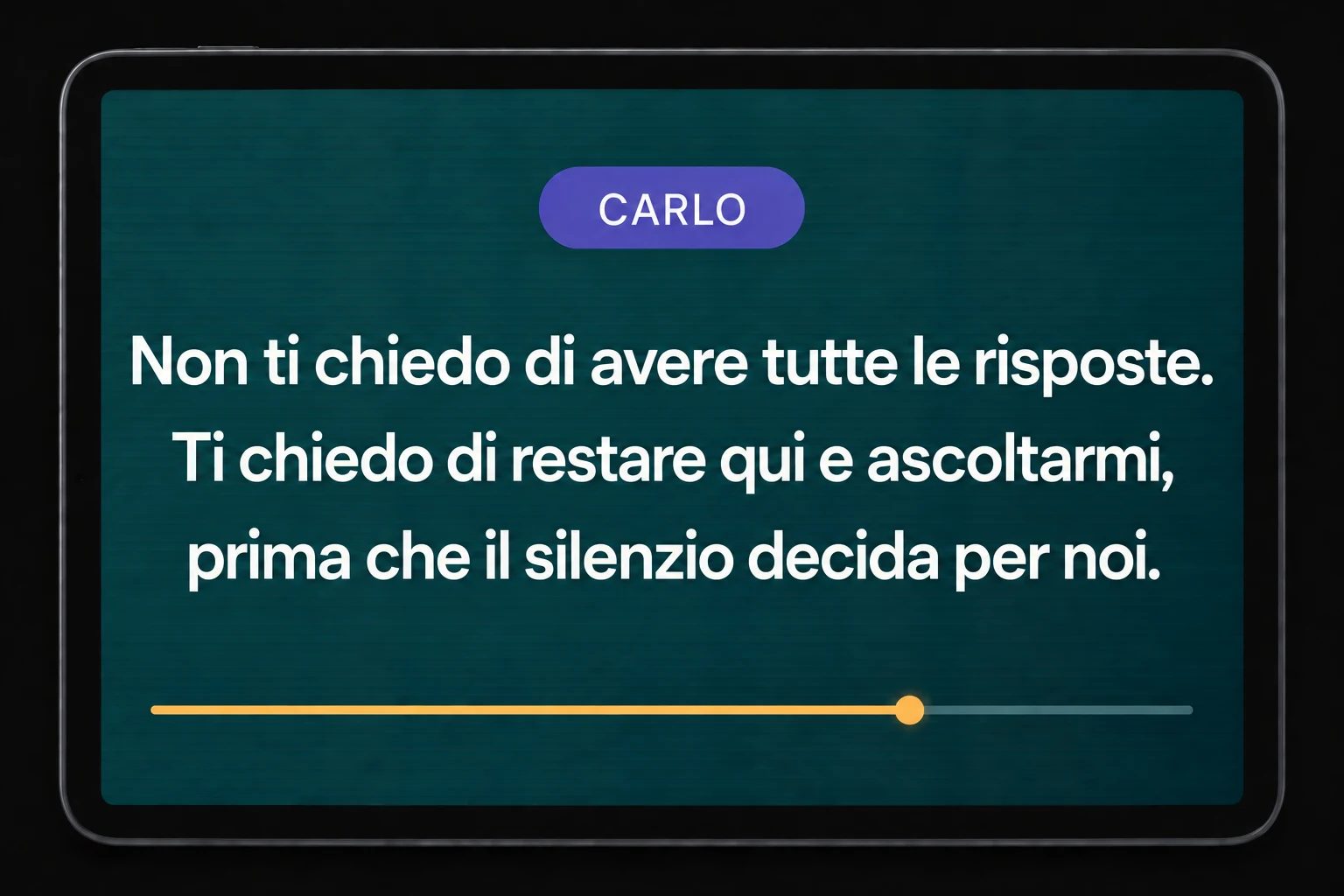
Every time you press Play to listen to the scene, this view appears automatically: only the current line is shown, with the character’s name at the top. The text is prominent and fills almost the entire screen.
A progress indicator beneath the line shows how much time remains before the scene moves on to the next line. This gives you a visual reference for both the words and the timing.
On iPhone and other phones, the smaller text mainly helps you memorise your lines as you listen, but is less suited to reading from a distance. On iPad and tablets, the larger screen can also serve as a teleprompter while you perform.
This helps when you have little time to learn a scene and record your self-tape, or when you need to perform in a foreign language: you can keep the words in front of you and focus on your performance.
The reader is not the star of your self-tape. You are. MySelfTape should support your performance, not turn into a perfection exercise for every supporting voice.
Once the scene is prepared, listening to it for memorization does not consume additional tokens. Rehearse and replay the scene as many times as you want without spending more credits for every repetition.
Your own lines are the most nuanced part of the performance. Do not waste credits trying to make the app perform them. Use tokens mainly to shape the other voices so their rhythm and intention help you respond the way you want.
Timing and pauses are often more useful than chasing a perfect intonation. Use them to create room for thoughts, reactions and physical actions.
If a line does not land the way you need, change the punctuation. It can unlock additional delivery options without changing the meaning of the text.
Casting teams are used to functional readers. The scene partner should be clear, believable and professional, but should never compete with the actor being auditioned.
Always remember that the reader is not the star of the self-tape: you are the person being auditioned. Supporting voices should make sense and provide a professional baseline without pulling attention away from your performance.
Because tokens are limited credits and each generated line consumes credits, the smartest approach is not to spend them on your own character’s lines. Focus instead on the other characters, the timing and the kind of response that helps you play your own line the way you want. Once the scene is set up and saved, you can use the playback function to repeat it as many times as you want without consuming additional credits.
If the delivery still does not match what you need, especially with Italian-language material, adjust the punctuation. Changing commas, full stops or pauses can create additional delivery options. During testing, English-language results were generally faster to shape.
Think of pauses as part of the acting: a thought, a look, a movement or a physical action may need extra time before the next cue. Use the pause setting to give yourself the time you need at each point in the scene.
MySelfTape comes from a practical reality: not everyone lives or works with professional actors, and there is not always time to find an available reader. Casting teams are used to self-tapes with friends or relatives off camera; the goal here is to provide a reader that is always available and easier to control.
The app has been developed and tested with input from professional actors. During testing it was used for auditions that resulted in roles in international productions, providing concrete feedback on its professional use.
So can your reader.